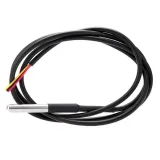
SKU: OT2058-D113 Číslo položky: AB165 EAN: 8720618827999

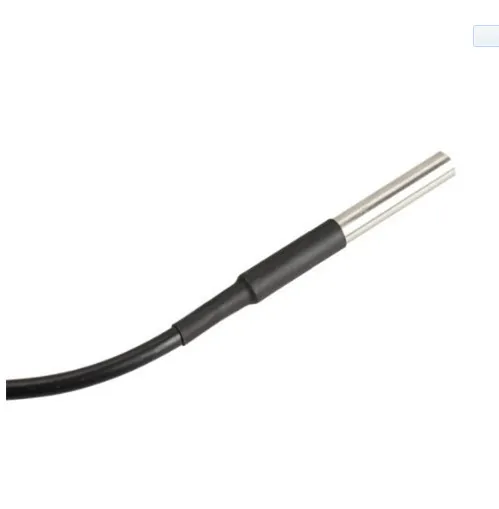
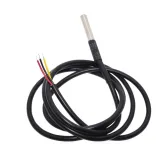
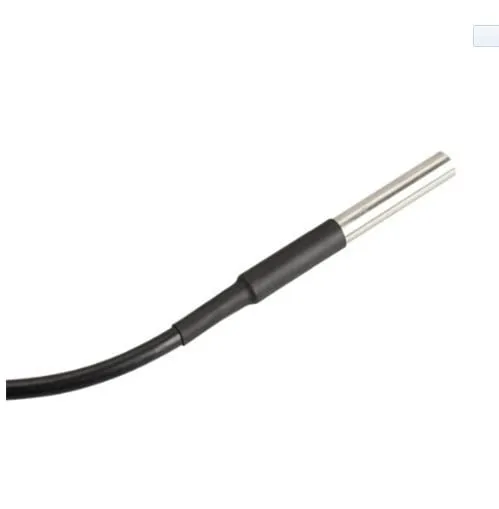
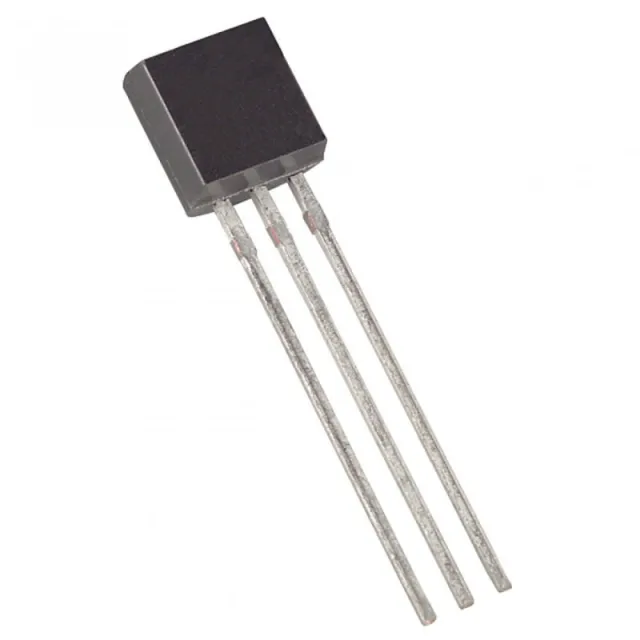
Vodotěsný teplotní senzor DS18B20 s celkovou délkou 5 metrů.
Průměr senzoru je 6mm a má délku 50mm.
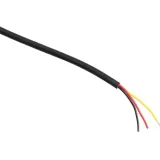
Průměr vodiče je 4mm a obsahuje 3 malé vodiče o průměru 1,1mm v barvách červená, žádná a černá.
Voltage: 3V tot 5.5V
Rozměry
Délka: 500cm
Šířka: 0,04cm
Výška: 0,04cm
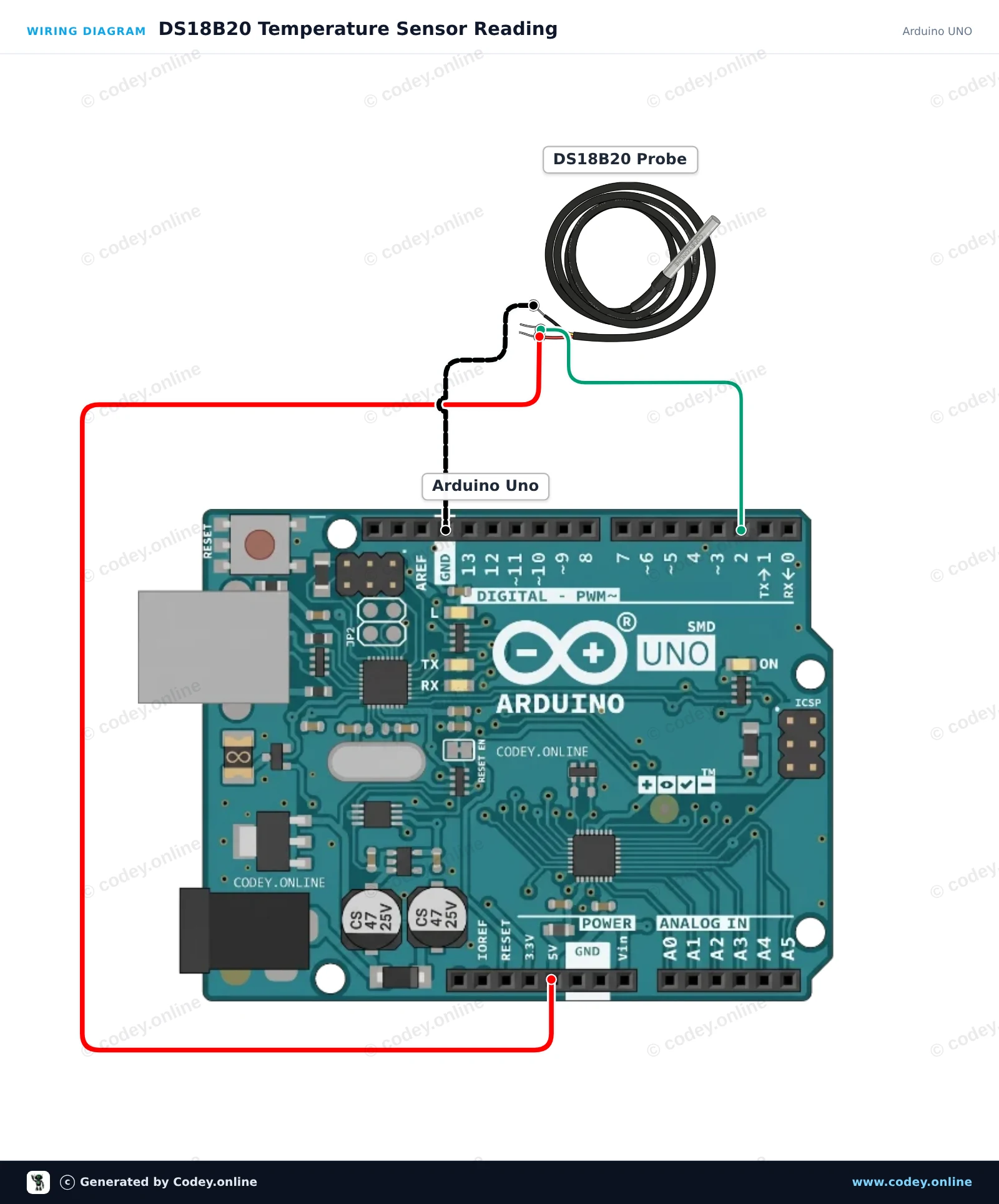
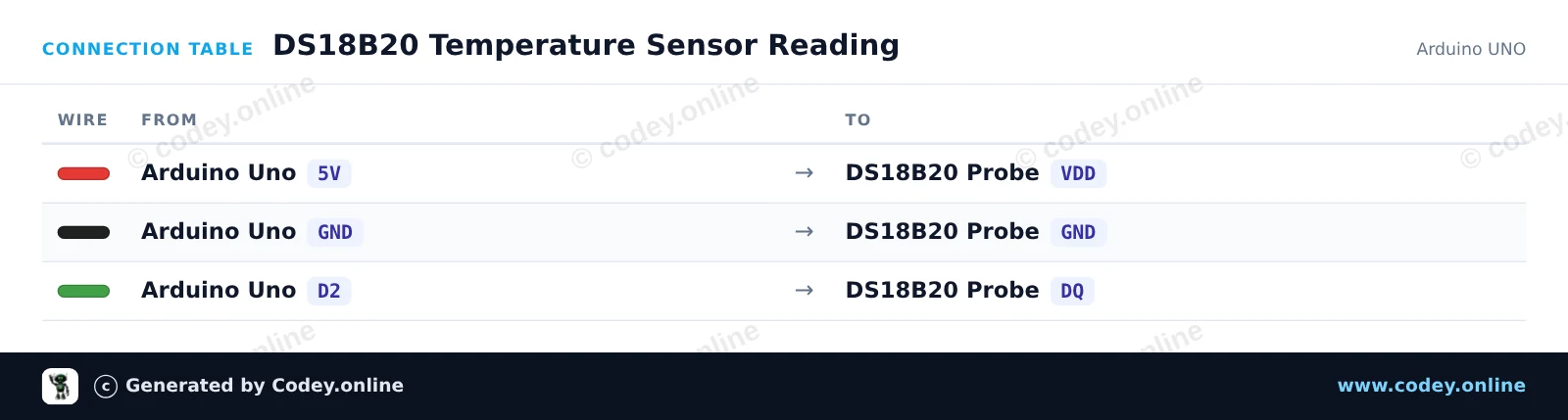
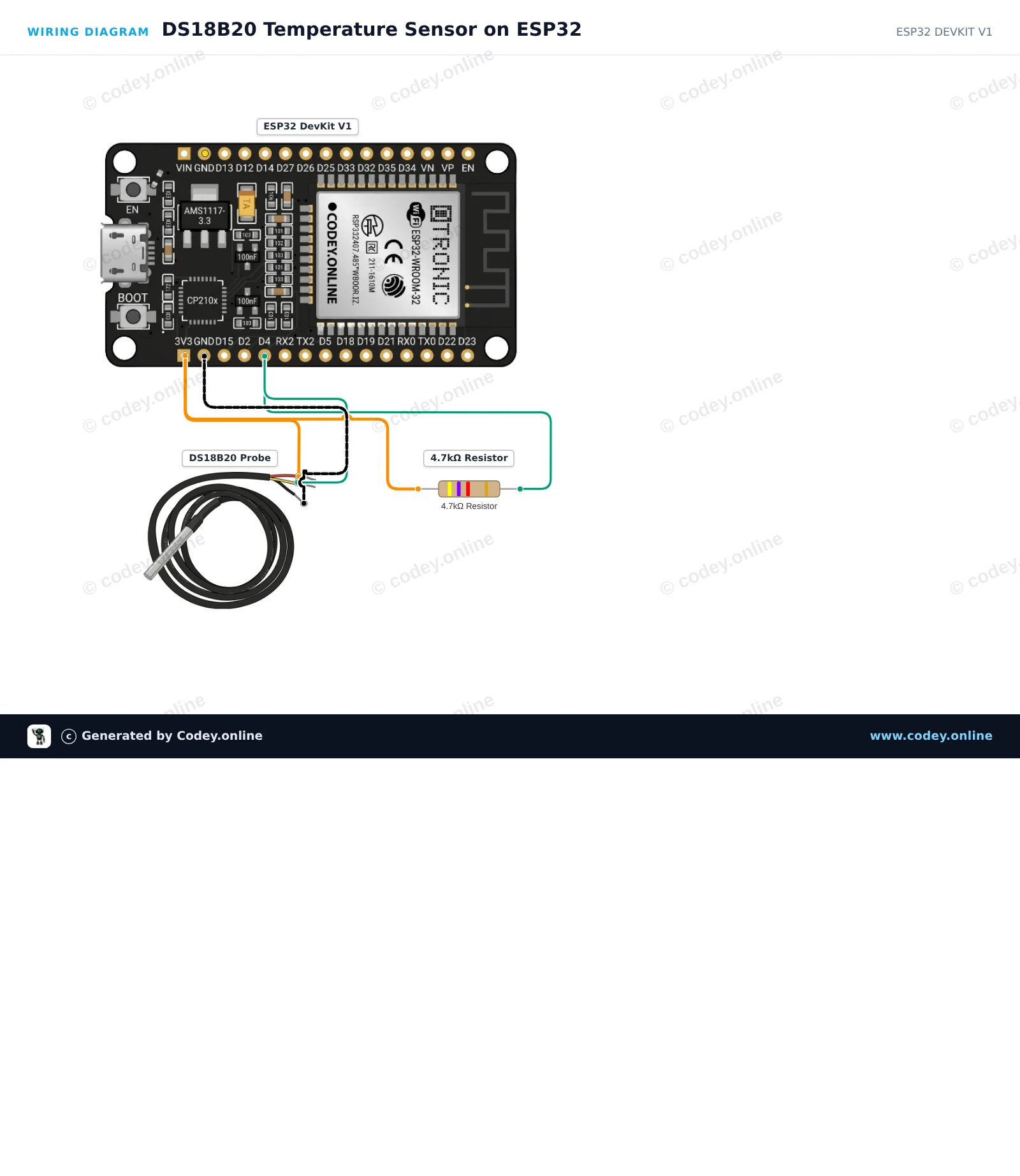
Takto připojíš DS18B20 vodotěsná sonda teplotního senzoru 5m kabel k Arduino UNO nebo ESP32, s ukázkovým sketchem, který můžeš hned nahrát.
Tento příklad čte teplotu okolí nebo kapaliny pomocí vodotěsné digitální teplotní sondy DS18B20. Arduino dotazuje senzor přes protokol 1-Wire a každou sekundu vypisuje do Serial Monitoru hodnoty v Celsius i Fahrenheit.
/*
 * ==================================================================
 *  Generated by Codey.online  —  https://www.codey.online
 * ==================================================================
 *  Project   : DS18B20 Temperature Sensor Reading
 *  Board     : Arduino UNO (arduino:avr:uno)
 *  Parts     : DS18B20 waterdichte probe temperatuursensor 1 m cable
 *  Libraries : OneWire 2.3.8, DallasTemperature 4.0.6
 *
 *  Codey Online is an AI-powered browser IDE for Arduino and ESP32.
 *  Describe your project and Codey writes the code, draws the wiring
 *  diagram and uploads it to your board, straight from the browser.
 *  This code is free to use, modify and share, without warranty.
 * ==================================================================
 */

#include <OneWire.h>
#include <DallasTemperature.h>

const int ONE_WIRE_BUS = 2;

OneWire oneWire(ONE_WIRE_BUS);
DallasTemperature sensors(&oneWire);

void setup() {
  Serial.begin(115200);
  sensors.begin();
  Serial.println(F("DS18B20 Temperature Sensor Initialized"));
}

void loop() {
  sensors.requestTemperatures();
  float tempC = sensors.getTempCByIndex(0);

  if (tempC == DEVICE_DISCONNECTED_C) {
    Serial.println(F("Error: Sensor not detected"));
  } else {
    float tempF = DallasTemperature::toFahrenheit(tempC);
    Serial.print(F("Temperature: "));
    Serial.print(tempC, 2);
    Serial.print(F(" °C  |  "));
    Serial.print(tempF, 2);
    Serial.println(F(" °F"));
  }

  delay(1000);
}Potřebné knihovny: OneWire 2.3.8, DallasTemperature 4.0.6
Wiring diagram and example code generated by Codey.online — https://www.codey.online
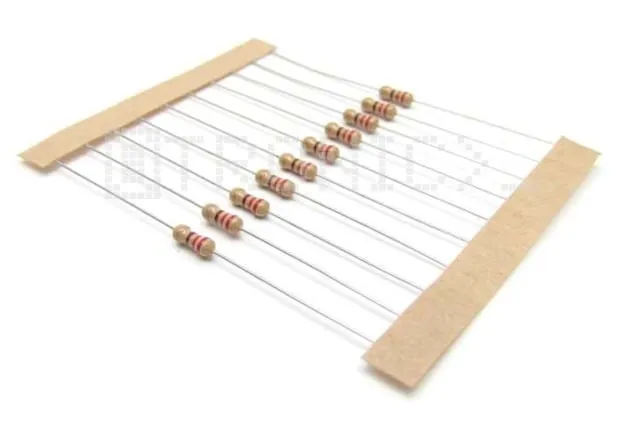
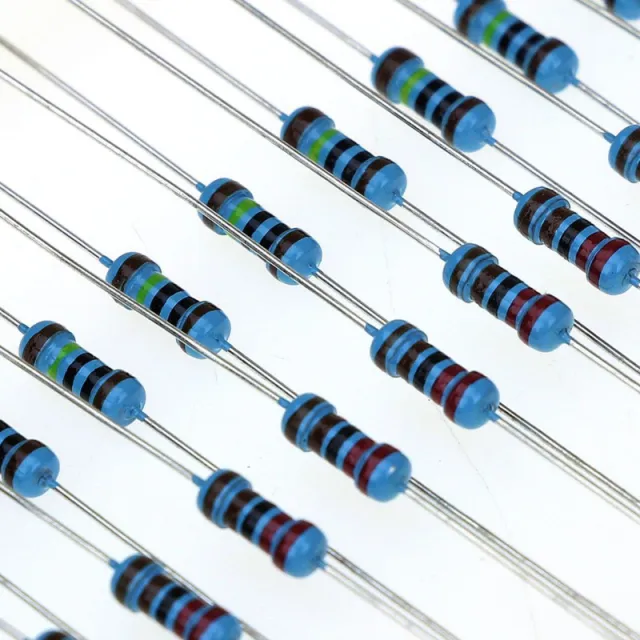
This project reads ambient or liquid temperature using a waterproof DS18B20 probe sensor on a 1-Wire bus. A 4.7kΩ pull-up resistor is placed between 3.3V and the data pin (DQ) to ensure reliable communication. Open the Serial Monitor at 115200 baud to view continuous real-time temperature readings in Celsius and Fahrenheit.
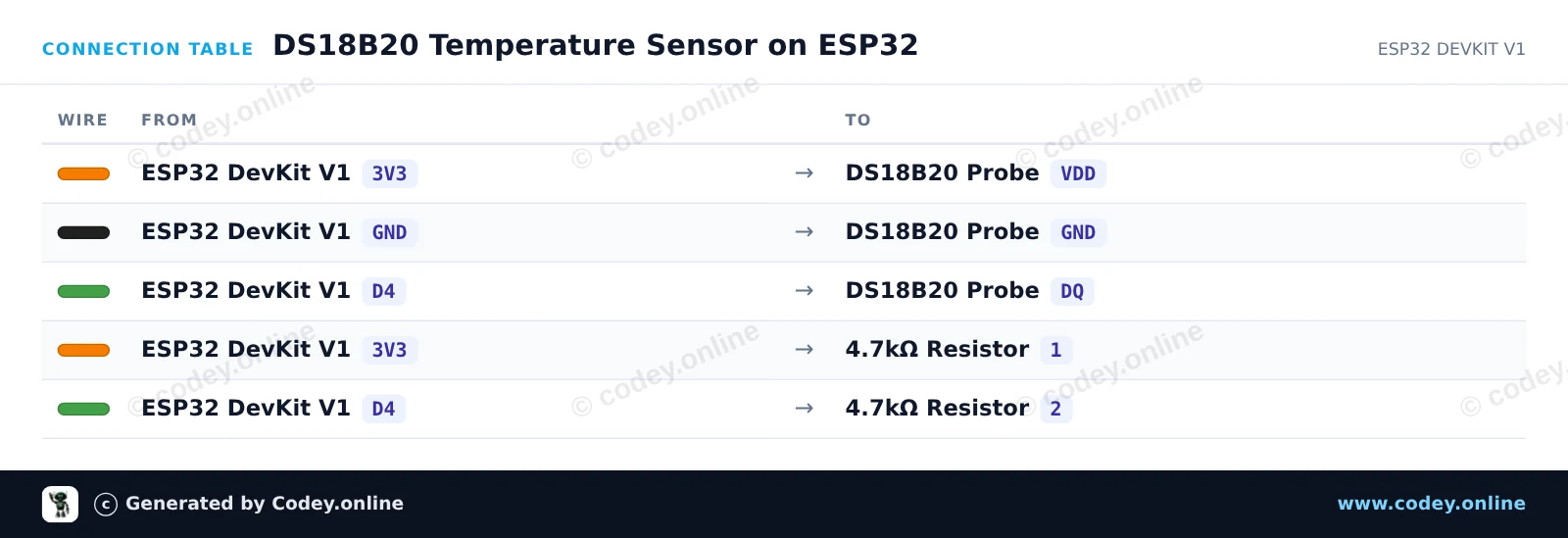
/*
 * ==================================================================
 *  Generated by Codey.online  —  https://www.codey.online
 * ==================================================================
 *  Project   : DS18B20 Temperature Sensor on ESP32
 *  Board     : ESP32 DEVKIT V1 (esp32:esp32:esp32doit-devkit-v1)
 *  Parts     : DS18B20 waterdichte probe temperatuursensor 1 m cable
 *  Libraries : OneWire 2.3.8, DallasTemperature 4.0.6
 *
 *  Codey Online is an AI-powered browser IDE for Arduino and ESP32.
 *  Describe your project and Codey writes the code, draws the wiring
 *  diagram and uploads it to your board, straight from the browser.
 *  This code is free to use, modify and share, without warranty.
 * ==================================================================
 */

#include <OneWire.h>
#include <DallasTemperature.h>

// DS18B20 data line is connected to GPIO 4
#define ONE_WIRE_BUS 4

OneWire oneWire(ONE_WIRE_BUS);
DallasTemperature sensors(&oneWire);

void setup() {
  Serial.begin(115200);
  sensors.begin();
  Serial.println("DS18B20 Temperature Sensor Demo");
}

void loop() {
  sensors.requestTemperatures();
  float tempC = sensors.getTempCByIndex(0);
  float tempF = sensors.getTempFByIndex(0);

  if (tempC == DEVICE_DISCONNECTED_C) {
    Serial.println("Error: Could not read temperature data");
  } else {
    Serial.print("Temperature: ");
    Serial.print(tempC, 2);
    Serial.print(" °C | ");
    Serial.print(tempF, 2);
    Serial.println(" °F");
  }

  delay(2000);
}Potřebné knihovny: OneWire 2.3.8, DallasTemperature 4.0.6
Wiring diagram and example code generated by Codey.online — https://www.codey.online





 English
  Nederlands
  Frans
Frans  Deutsch
  Italiano
  Español
  Suomi
Suomi  Polski
  Dansk
Dansk  Ελληνικά
  Български
  Hrvatski
  Aileen